
User Permissions and Roles
To understand our user permissions in more detail, check our roles and permissions guide.
Adding users to 7bridges
If you have been assigned the Admin role, you will be able to add users to the platform yourself. To do this, follow these steps:
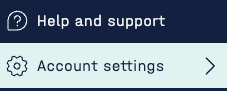
- Go to the Account Settings tab:
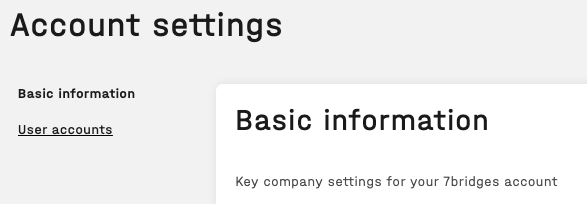
- Click on the User accounts link:
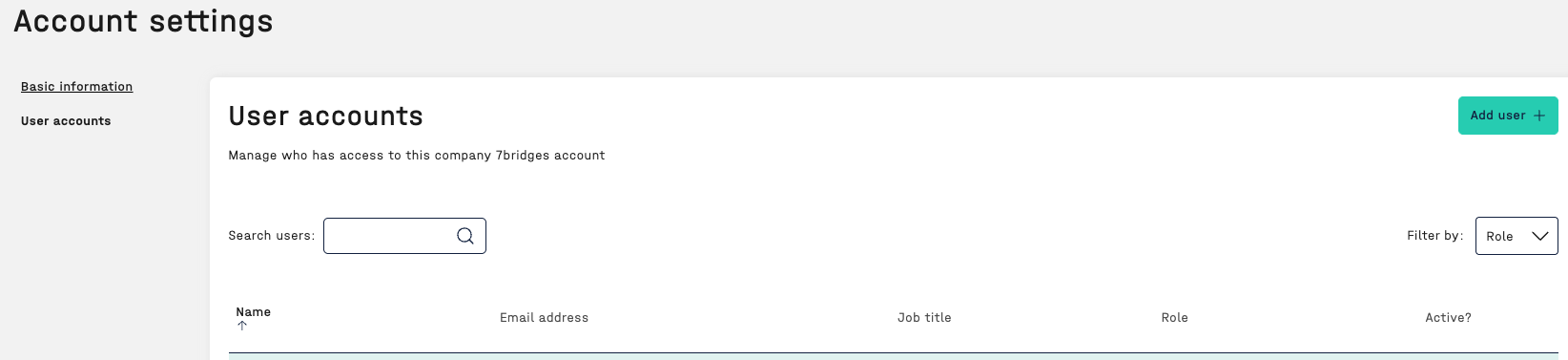
- Click the Add User + button:
- Enter the required user information:
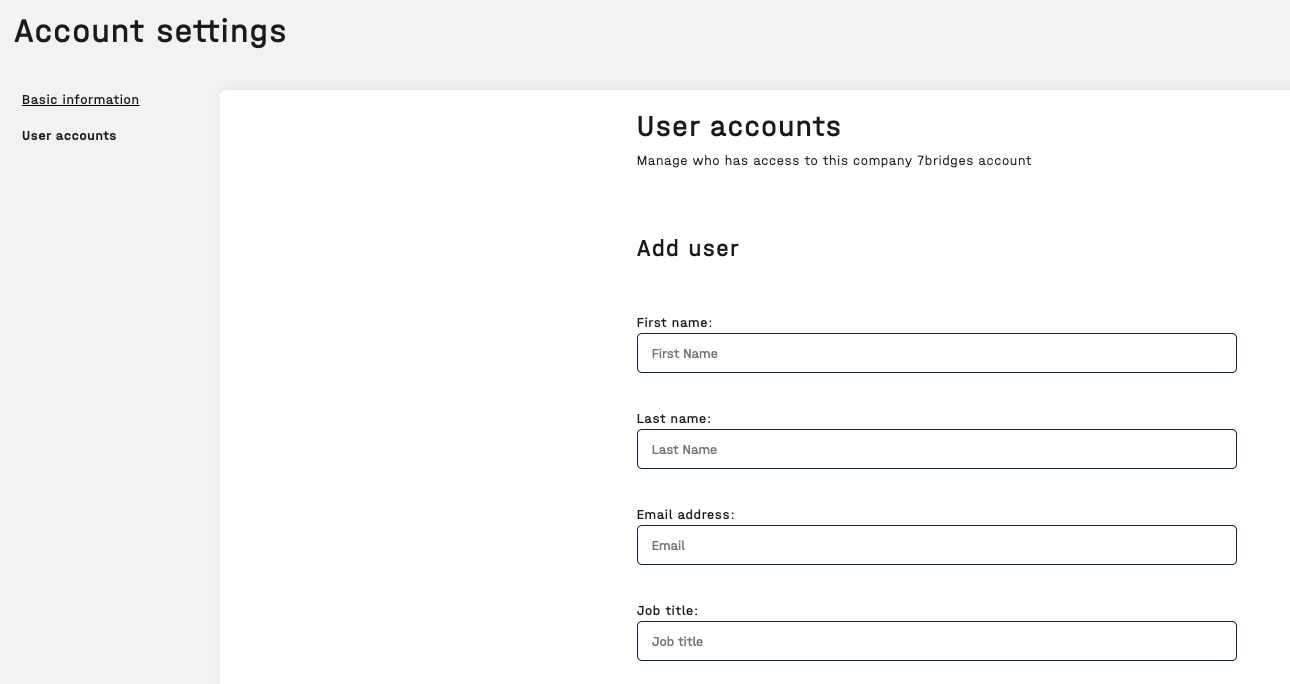
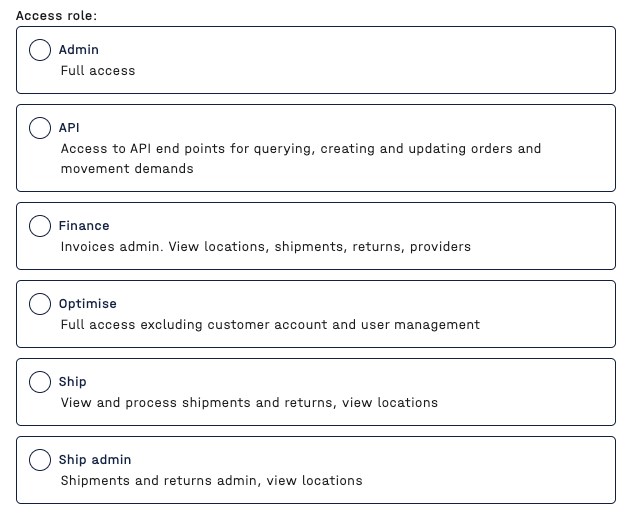
- Select the applicable role:
- Then click Save

The user will then receive a login email where they can reset their password and login to the platform.
🔎 Please refer to this article for more information on updating an existing user.