
Overview
The Invoices section is where you can view all invoices and credits received into the 7bridges software.
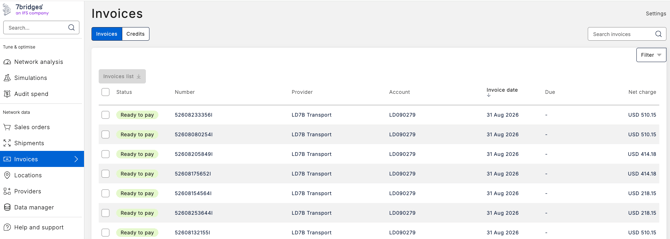
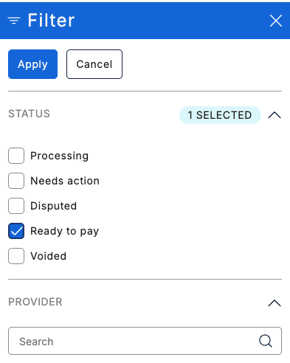
- Invoice status
- Provider
- Account
- Charge clean name
- Billing country
- Issue date
- Due date
- Amount
🔎 Note: You can also sort the table by selecting the relevant column header. By default, the most recent invoices are displayed first: 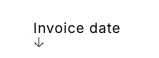
To view an invoice in more detail, click the applicable row or to open the invoice in a new tab:
Windows: Hold Ctrl and click the row.
Mac: Hold Command (⌘) and click the row.
You can also right-click a row and select “Open link in new tab” using your browser’s standard options.